
Transparency note: This article contains no affiliate links, and no company paid for or reviewed it. I pay for most of the AI tools I use myself.
DeepSeek is the AI that made headlines by matching the big players for a fraction of the cost — and giving it away for free. If you’ve heard the name but weren’t sure what the fuss was about, here’s the short version: it’s a surprisingly capable chatbot that costs nothing to use.
Learning how to use DeepSeek takes about two minutes, because there’s no paywall and barely any setup. The harder question is when you’d reach for it instead of ChatGPT. I’ve used both for a while now, and DeepSeek wins in some specific, useful places — and loses badly in others.
Here’s what it does well, the one limitation that’ll surprise you, and the privacy question worth knowing about before you paste anything sensitive in.
What DeepSeek is
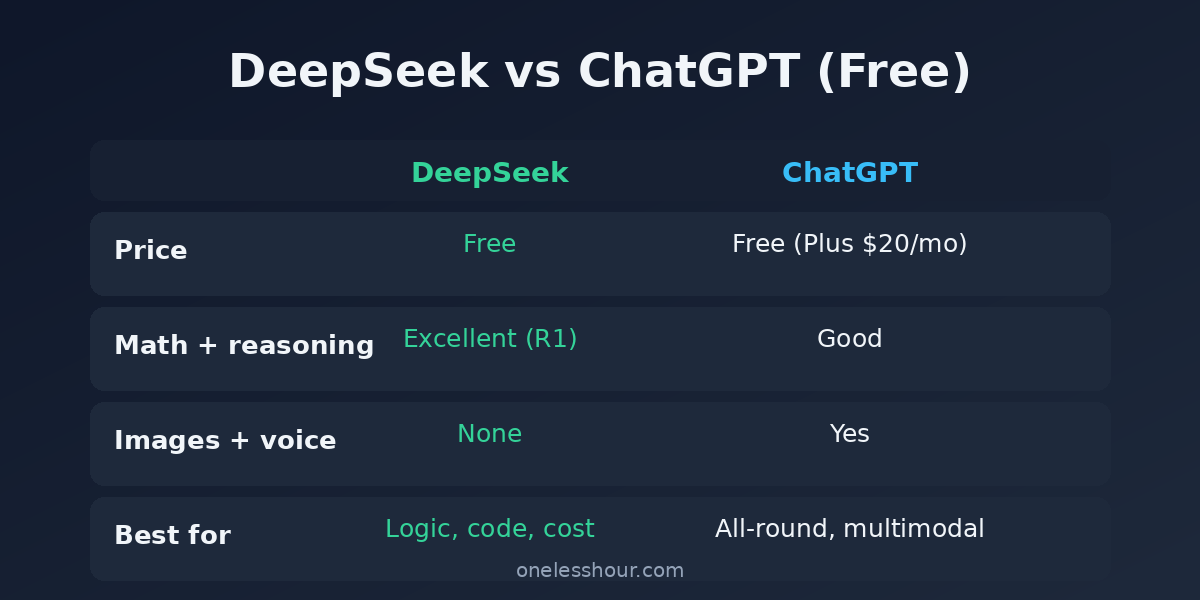
DeepSeek is a conversational AI from a Chinese company of the same name. Two things make it stand out: it’s free with no subscription tiers, and its models are open-source, meaning developers can download and run them on their own hardware.
For most people, though, “how to use DeepSeek” just means the free chat app. Its reasoning mode is the star: it thinks through problems step by step and shows its work, which is why it’s so strong on math and code.
How to start using it (it’s free)
Go to chat.deepseek.com or grab the DeepSeek app. Make a free account, and you’re in. No credit card, no trial countdown, no “upgrade to continue” wall after ten messages.
The one setting worth knowing is the reasoning mode toggle. Turn it on and DeepSeek reasons step by step before answering. It is slower, but far better on anything logic-heavy. Leave it off for quick, casual questions.
Here’s the whole flow, start to finish:
- Open chat.deepseek.com or the app and create a free account.
- Type your question in the box, exactly like any other chatbot.
- Turn on reasoning mode for anything involving math, logic, or code.
- Turn on Search if you want it to pull in current web results.
Try this now: open chat.deepseek.com, turn on reasoning mode, and paste a problem you’d normally give ChatGPT. Watch it reason out loud — that visible thinking is the whole appeal.
What DeepSeek is great at
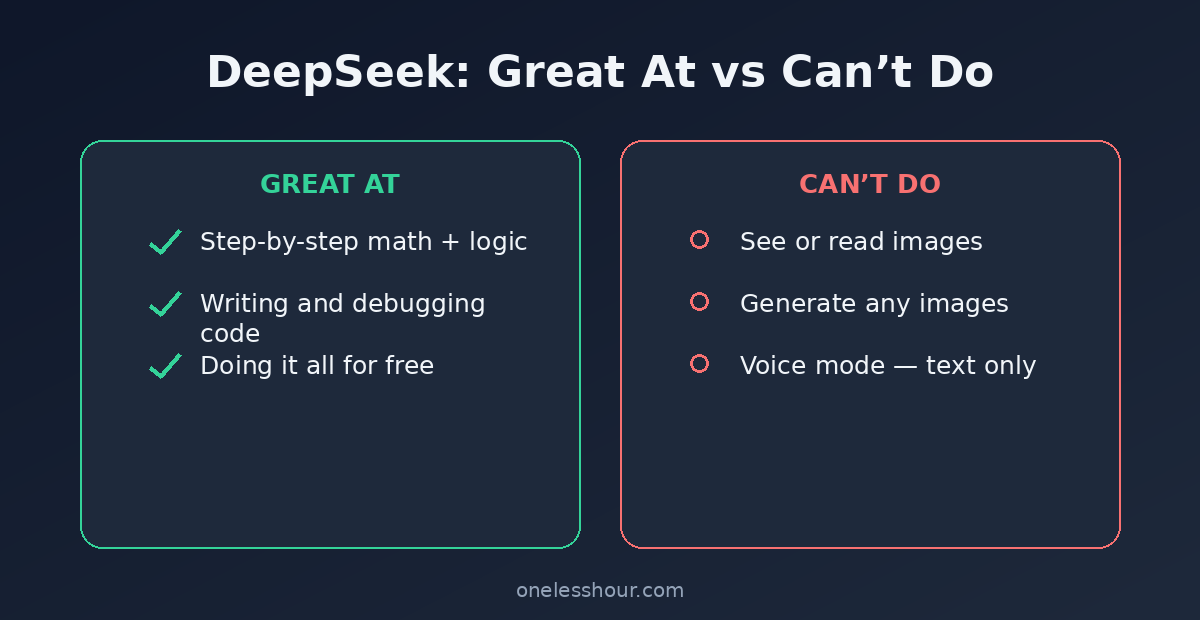
This is where it earns its reputation. In side-by-side comparisons, DeepSeek matches or beats the free version of ChatGPT on:
- Math and logic. Its reasoning mode is excellent at multi-step problems, showing each step so you can catch where it went wrong.
- Coding. Writing, explaining, and debugging code is a clear strength, especially for structured, logic-driven tasks.
- Cost. It’s free for everything above. No $20/month tier gating the good model.
[Turn on reasoning mode] Solve this step by step and show your reasoning: [PASTE MATH PROBLEM OR LOGIC PUZZLE]. At the end, double-check your own answer and flag anything you’re unsure about.
Pro tip: for a coding bug, paste your code and the error message together and ask it, in reasoning mode, to explain the cause before it writes a fix. Understanding the bug beats a copy-paste patch you can’t debug later.
Two more things it’s quietly good at
Beyond math and code, two everyday uses have stuck for me. First, untangling a concept I don’t understand:
Explain [CONCEPT] from first principles, step by step, as if I’m smart but completely new to it. Then give me one analogy and one concrete example.
Second, turning a wall of messy notes into something structured:
Here are my rough notes: [PASTE]. Organize them into a clear outline with headings and bullet points, and flag anything that looks contradictory or missing.
The one big limitation
DeepSeek can now read images and screenshots (its V4.1 model added image understanding in September 2026), but it still can’t generate images and has no voice conversation mode.
If your workflow involves making pictures or talking to your AI, ChatGPT’s free tier still covers more. That gap is the main reason DeepSeek won’t replace ChatGPT for a lot of people.
The privacy question
Worth being straight about this: DeepSeek is a Chinese company, and its chat app stores your data on servers subject to Chinese law. For casual questions and homework help, that’s a non-issue for most people.
But I wouldn’t paste confidential work documents, client data, or anything sensitive into it — the same rule I’d apply to any free AI tool, just with extra weight here. If privacy is a hard requirement, use the open-source model self-hosted, or stick with a provider whose data handling you’re comfortable with.
DeepSeek vs ChatGPT: the quick take
| DeepSeek | ChatGPT (free) | |
|---|---|---|
| Price | Free | Free (Plus is $20/mo) |
| Math + reasoning | Excellent (reasoning mode) | Good |
| Images + voice | Reads images; no image generation or voice chat | Yes |
| Best for | Logic, code, cost | All-round, multimodal |
The downside: if you want one tool that does everything, DeepSeek isn’t it. Skip it if you rely on images or voice. But as a free, razor-sharp reasoning engine sitting next to your main chatbot, it’s hard to beat.
When to reach for DeepSeek instead of ChatGPT
The clean rule is to match the tool to the task:
- Reach for DeepSeek when the job is a math problem, a coding bug, or a logic puzzle — anything where you want to watch the reasoning, and you’d rather not pay.
- Reach for ChatGPT when you need images, voice, file uploads, web browsing, or all-round polish for writing.
Because both are free, the smartest setup isn’t picking a winner — it’s keeping them side by side and letting each task decide. You end up with a two-tool kit that covers almost everything and costs nothing.
A quick reality check
Two things to expect before you move everything over. First, reasoning mode is slower than a normal chatbot reply, because that step-by-step thinking takes time, so it’s not the tool for a quick one-liner. Second, the free app gets busy. During peak demand you’ll occasionally hit “server busy” messages or slower responses, which is the trade-off for a completely free service at this scale.
Neither is a dealbreaker. But if you need instant, always-on answers, keep a second chatbot handy for the moments DeepSeek is thinking hard or under load.
Frequently asked questions
Is DeepSeek really free?
Yes. The chat app at chat.deepseek.com is free with no subscription tiers, including its reasoning mode. The models are also open-source, so developers can run them for free on their own hardware.
Is DeepSeek safe to use?
For everyday, non-sensitive questions, it’s fine. The caution is data: as a Chinese app, your inputs are stored under Chinese jurisdiction, so don’t paste confidential or personal information. That’s good practice with any free AI tool.
Is DeepSeek better than ChatGPT?
For math, logic, and code on a free budget, it’s right up there. For image generation, voice, and all-round versatility, ChatGPT wins. They’re built for different jobs, and using both costs you nothing.
What is DeepSeek’s reasoning mode?
It is the setting that makes DeepSeek reason before answering. R1 was the older reasoning model; DeepSeek replaced it with its V4 models in 2026. Turn reasoning mode on and it works through problems step by step, showing its logic. It’s slower than a normal reply but much more reliable on anything that needs real thinking.
Can DeepSeek write and debug code?
Yes — it’s one of its strongest areas. Its reasoning mode is good at writing functions, explaining what existing code does, and walking through a bug step by step. Paste your code and the error message together for the best results.
The smart way to use it
Don’t think of DeepSeek as a ChatGPT replacement. Think of it as a free, specialist second opinion. Next time you’ve got a math problem, a tricky bit of code, or a logic puzzle, run it through DeepSeek with reasoning mode on — and keep ChatGPT for everything visual or spoken.
Want to see how the other challengers compare? Here’s my guide to how to use Grok, the real-time chatbot built into X, and a head-to-head on ChatGPT vs Claude if you’re picking a main assistant.